
Dentrix IT Support in Sioux Falls and the Upper Midwest
Dentrix runs the whole day in a dental office: the schedule, the charts, the ledger, insurance claims and the link to your imaging software. When it slows down, freezes in an operatory or loses its connection to the server, the front desk stops and patients wait.
Most of those problems are not Dentrix problems. They come from the server, the network, the workstations and the integrations around it. Kota Technology provides Dentrix IT support for dental practices in Sioux Falls and across South Dakota, North Dakota and the Upper Midwest, with technicians who have worked in offices that run on Dentrix every day.
Why Dental Practices Running Dentrix Choose Kota
- Only member of the Dental Integrators Association serving clients in South Dakota and North Dakota
- Technicians who know Dentrix, Dexis, Carestream and Eaglesoft from working in the offices that use them
- Servers, networks and workstations built to Henry Schein One's current Dentrix system requirements
- Imaging integrations tested after every update, so X-rays open from the chart the way they should
- Experience with single-location practices and multi-site DSO environments
Great experience working with this team!
They've helped our dental practice with IT support, network setup, and making sure we're staying on top of HIPAA compliance. They're responsive, knowledgeable, and easy to work with whenever we need assistance. It's reassuring to have a local IT partner in Sioux Falls who understands the unique technology needs of a dental office. I highly recommend them to any healthcare practice looking for reliable IT support.

Where Dentrix Problems Usually Come From
When a practice calls us about Dentrix, the cause is usually one of a handful of things:
- An undersized or aging server. Dentrix, the imaging archive and everything else on the server compete for the same resources, and performance drops as the practice grows.
- Workstations on unsupported operating systems. Operatory and front desk PCs that were never upgraded fall outside what Dentrix supports.
- Wireless and power settings. Workstations on Wi-Fi, or network cards that go to sleep when idle, cause the disconnect errors staff see mid-appointment.
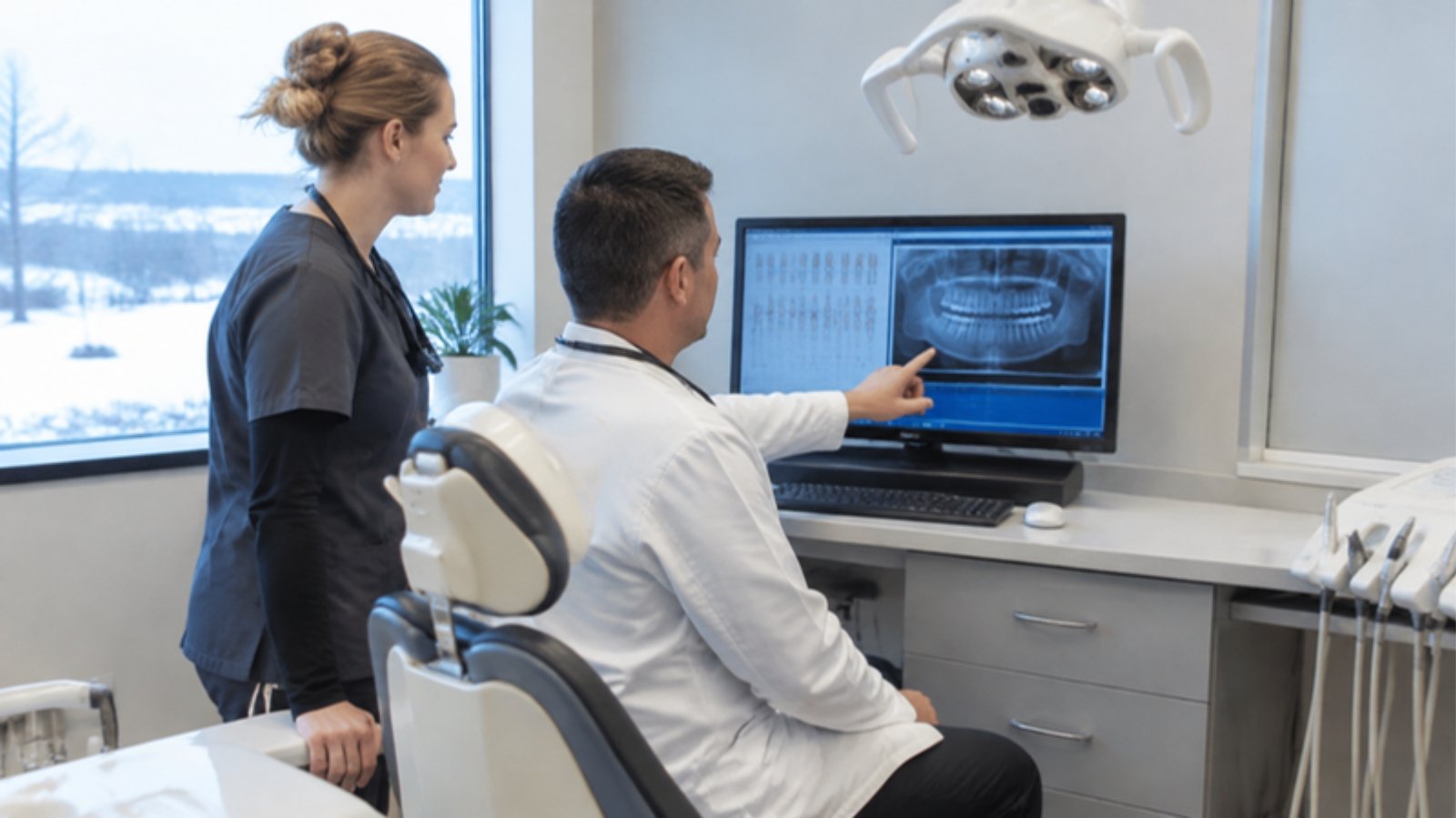
- Broken imaging bridges. An update to Dentrix or the imaging software changes something, and X-rays stop opening from the patient chart.
- The wrong kind of remote access. Remote setups that Dentrix does not support lead to slow sessions and errors for doctors and office managers working from home.
- Backups that miss something. The Dentrix database is backed up, but the images, documents or configuration are not, or the backup has never been restored.
What Dentrix Requires in 2026
Henry Schein One publishes system requirements for each Dentrix release. The current Dentrix system requirements include several details that catch practices out:
- Server operating systems: Windows Server 2016, 2019, 2022 and 2025, Standard and Datacenter editions. Essentials and Small Business editions are not supported because of backup port conflicts, and Server Core installs are not supported either.
- Server hardware: at least four processor cores, 16 GB of RAM and solid state storage with room to spare, with more memory needed for offices with more than ten workstations.
- Network: a 1 Gbps wired network. Wireless is used at the practice's own risk, and network card power management should be turned off to avoid disconnect errors.
- Workstations: Windows 10 or 11, but Henry Schein One stopped supporting Dentrix installs on Windows 10 after June 30, 2026. Windows Home editions also cannot join a domain, which limits how securely the network can be managed.
- Remote access: Terminal Services and Citrix thin client setups are not supported. Hyper-V and VMware virtual servers have been tested when they are configured properly.
These requirements change with each release, so we check them against your version before any server, workstation or network change.
Two Deadlines Dental Offices Need to Plan For
Windows 10 Workstations
Microsoft ended support for Windows 10 in October 2025, and Dentrix support for Windows 10 installs ended after June 30, 2026. If any operatory, front desk or imaging PC is still on Windows 10, it is running outside both Microsoft's and Henry Schein One's support. Imaging acquisition PCs are often the last to be upgraded, because the sensor software has to be checked first.
Windows Server 2016
Windows Server 2016 is still on the Dentrix supported list, but Microsoft's extended support ends on January 12, 2027. After that, the server stops receiving security updates. For a server holding every patient record in the practice, that is a risk worth planning around now. Our dental technology integration guide covers how to modernize servers and workstations without breaking imaging.
Our Dentrix IT Services

Dentrix Server Setup and Replacement
We size and build servers to the current Dentrix requirements, with room for your imaging archive to grow. When it is time to replace a server, we plan the migration, move Dentrix and its data, reconnect every workstation and integration, and schedule the work after hours so the schedule is never interrupted.
Operatory and Front Desk Workstations
We keep workstations on supported versions of Windows, joined to a properly managed network, and configured the way Dentrix expects, including the network card settings that prevent idle disconnects.
Imaging and Third-Party Integrations
Dentrix connects to imaging software such as Dexis and Carestream, along with intraoral cameras, payment systems and patient communication tools. We set up and maintain those bridges, and we test imaging after every Dentrix or imaging update so problems are found before the first patient of the day.
Updates and Version Upgrades
Dentrix updates should not happen in the middle of a clinical day. We schedule them after hours, confirm the new version's requirements first, and verify that imaging, eClaims and other integrations still work afterward.
Secure Remote Access
Doctors and office managers often need Dentrix from home. We set up remote access in a way Dentrix supports, with multi-factor authentication, so the practice is not exposed to the remote desktop attacks behind many ransomware incidents. Our network security services cover how that is done.
Backup and Recovery for Dentrix Data
We back up the Dentrix database, document images, imaging archives and server configuration, keep copies offsite and immutable, and test restores on a schedule. Our guide to dental backup and disaster recovery explains what a complete plan includes.
HIPAA Safeguards
Dentrix holds protected health information, so access controls, audit logging, encryption and individual logins all matter. We help practices put those safeguards in place and document them for their dental HIPAA risk assessment.
Dentrix or Dentrix Ascend?
Henry Schein One also offers Dentrix Ascend, a cloud-based version, and reported that monthly Ascend installations doubled year over year. Moving to the cloud removes the practice management server, but it does not remove the need for reliable IT.
Cloud practices still depend on a fast, redundant internet connection, secure and up-to-date workstations, local imaging hardware and software, and a network that keeps patient data protected. Whether you stay on Dentrix on a local server or move to Ascend, we can support the practice on either side of that decision, including the migration itself.
What the Numbers Say
Dental offices are not too small to be targeted. Becker's Dental Review had reported on 23 dental data breaches in 2026 by late September, and those are only the incidents that made the news.
For a practice running Dentrix, the server holding the practice management database is usually the most valuable target in the building. If you want to see what recovery looks like when things go wrong, read what ransomware recovery actually looks like in a dental office.
Why Dental Practices Choose Kota for Dentrix Support
Kota Technology is based in Sioux Falls and supports dental practices across South Dakota and North Dakota, along with neighboring markets including Sioux City and Omaha. Most Dentrix issues are resolved remotely, and our technicians can be on site when they are needed: a failed server, a new imaging install or a new office build.
You get the same technicians every call, people who already know your server, your operatories and your integrations. Learn more about our full dental IT services.
Frequently Asked Questions
Does Kota support Dentrix?
Yes. We support the servers, networks, workstations and integrations that Dentrix depends on, including imaging software such as Dexis and Carestream, for dental practices in Sioux Falls and across the Upper Midwest.
What server does Dentrix need?
Henry Schein One's current requirements list Windows Server 2016, 2019, 2022 and 2025 in Standard or Datacenter editions, with at least four processor cores, 16 GB of RAM and solid state storage. Essentials and Small Business editions are not supported. Requirements change with each release, so they should be checked against your Dentrix version.
Can Dentrix still run on Windows 10?
Henry Schein One stopped supporting Dentrix installs on Windows 10 after June 30, 2026, and Microsoft ended Windows 10 support in October 2025. Workstations still on Windows 10 should be upgraded or replaced.
Why does Dentrix keep disconnecting?
The most common causes are workstations on Wi-Fi, network cards that go to sleep when idle, and an overloaded or failing server. Dentrix requires a 1 Gbps wired network and recommends turning off network card power management.
Should we move to Dentrix Ascend?
It depends on your practice. Ascend removes the local practice management server, but you still need reliable internet, secure workstations and local imaging support. We can help you weigh the options and support the practice either way.
Get Dentrix IT Support That Keeps Your Schedule Moving
If Dentrix is slow, your server is getting older, or your imaging keeps losing its connection to the chart, we can help you find the cause and fix it.
A conversation costs nothing and gives you a clear picture of where your practice stands.